Issuing Let's Encrypt IP SSL Certificates with acme.sh - End of 2025 Official Version
目录
Let’s Encrypt recently announced that free IP SSL certificates are finally officially live. With this, we can access IPs via HTTPS without worrying about security warnings.
This article uses Nginx as an example to provide a step-by-step tutorial on how to issue Let’s Encrypt IP SSL certificates using acme.sh. I will update on how to configure Let’s Encrypt IP SSL certificates for Caddy in the future.
Prerequisites: A public IP and port 80 accessible from the internet.
If you are trying to configure this in a LAN or an environment where port 80 cannot be exposed, this guide is unfortunately not for you.
Let’s dive into the details.
Install acme.sh
Install command is as follows (skip if you already have the latest version installed):
curl https://get.acme.sh | sh -s [email protected]
source ~/.bashrc
If you have an older version installed, it is recommended to update to the latest version.
# Update command
acme.sh --upgrade
Issue Certificate
You need to replace 1.1.1.1 in the command with your actual IP address.
acme.sh --issue -d 1.1.1.1 \
--webroot /var/www/html \
--server letsencrypt \
--certificate-profile shortlived \
--days 5
Install Certificate to Specified Directory
Replace 1.1.1.1 with your actual IP address.
mkdir -p /etc/nginx/ssl

acme.sh --install-cert -d 1.1.1.1  \
--key-file       /etc/nginx/ssl/ip.key  \
--fullchain-file /etc/nginx/ssl/ip.cer \
--reloadcmd     "systemctl reload nginx"
Modify Nginx Configuration to Enable SSL
server {
        listen 80 default_server;

        listen 443 ssl default_server; # Add this line
        ssl_certificate /etc/nginx/ssl/ip.cer; # Add this line
        ssl_certificate_key /etc/nginx/ssl/ip.key; # Add this line

        root /var/www/html;
        index index.html index.htm index.nginx-debian.html;
        server_name _;
        location / {
                try_files $uri $uri/ =404;
        }

}
Run:
nginx -s reloadTest in Browser
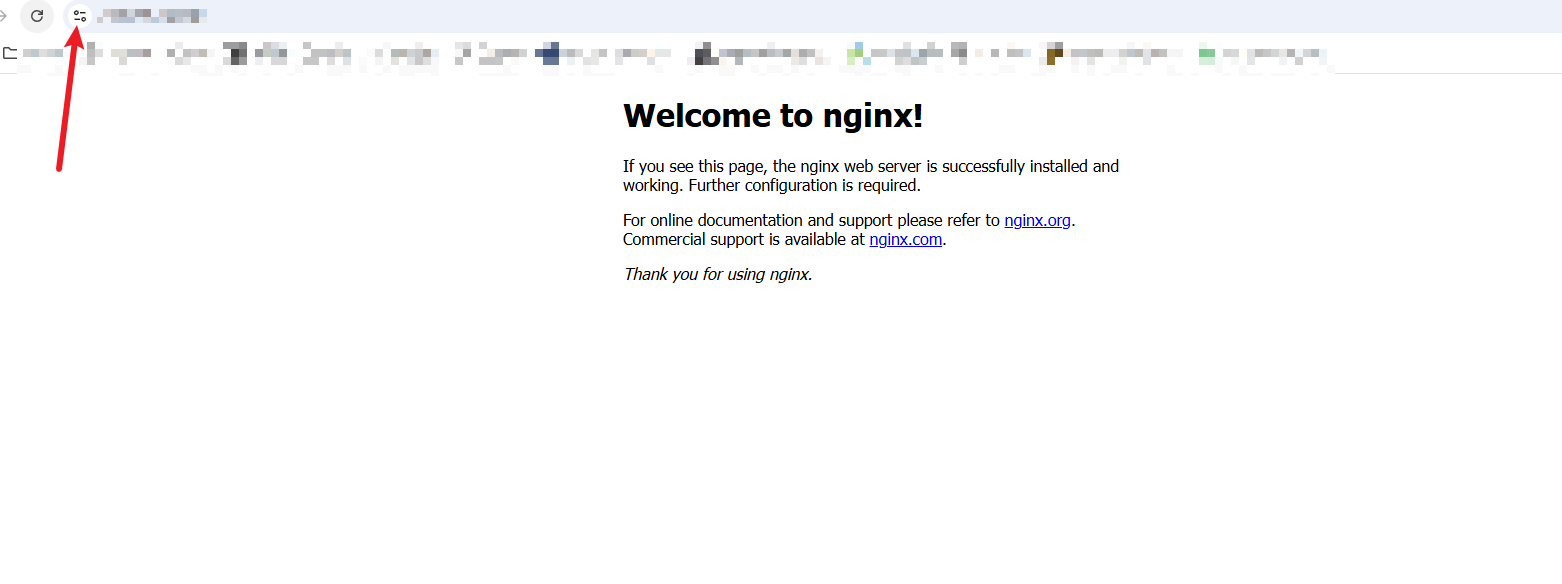
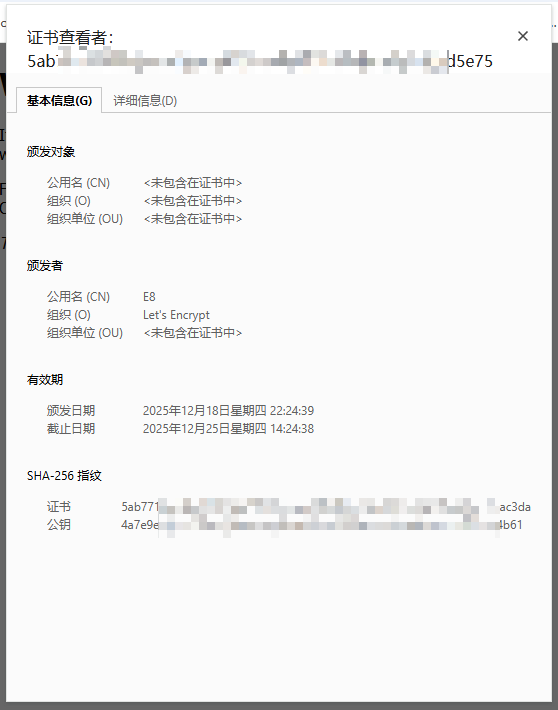
As shown in the image below, accessing via IP also shows a valid HTTPS certificate, indicating successful configuration.
FAQ
Q: Why --webroot /var/www/html?
A: For convenience, the example above uses the default Nginx webroot directory. In a real environment, port 80 might be bound to other services. In that case, you can change /var/www/html to any directory, such as /var/my-test. Just make sure to add the following to your Nginx configuration block listening on port 80:
location ~ ^/.well-known/acme-challenge/ {
    add_header Content-Type text/plain;
    root /var/my-test;
}Q: What is the use of an IP certificate?
A: There are many benefits.
- Regular HTTPS certificates require a domain name, which costs money. Now you can save that cost.
- Many services are simple and don’t need a domain name attached, but security is still desired. Certificates solve this.
- Most importantly, some services require HTTPS to function, which previously necessitated a domain. In China, pointing a domain to a server requires ICP filing (Bei’an), which is a troublesome process. Now you can skip this step, at least for development and testing.
Q: How long is the validity period of this certificate?
A: 160 hours, a little over 6.5 days.
Q: 160 hours is very short. Will maintenance be troublesome if it expires quickly?
A: No. acme.sh handles automatic renewal. It will automatically renew the certificate when it is close to expiration.
If you have any questions, feel free to discuss in the comments section.